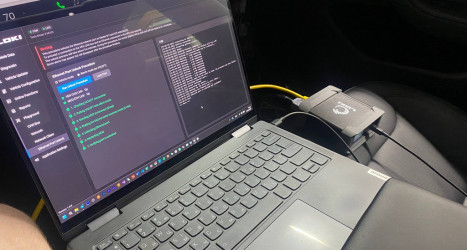
LOKI PRO 1.1.0: A Major Update for Tesla and Rivian Diagnostics
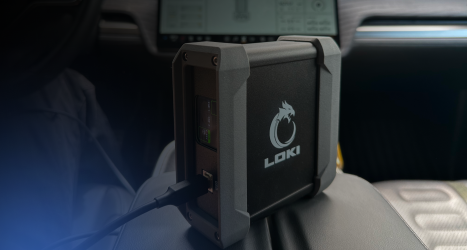
We continue to enhance the capabilities of the LOKI PRO diagnostic scanner, making the work of automotive specialists faster, more convenient, and more efficient. In this update, we focused on solving the practical challenges that service centers and electric vehicle repair specialists face every day. Software version 1.1.0 introduces advanced service functions, new online features for Rivian, and a wide range of software improvements.
Below is a closer look at the key features of the new software version.
Expanded Support for Tesla Model S and Model X
The major highlight of version 1.1.0 is full support for Tesla Model S and Model X vehicles equipped with MCU1 and MCU2 infotainment systems. Specialists now have access not only to electronic control unit diagnostics but also to a comprehensive range of service procedures.
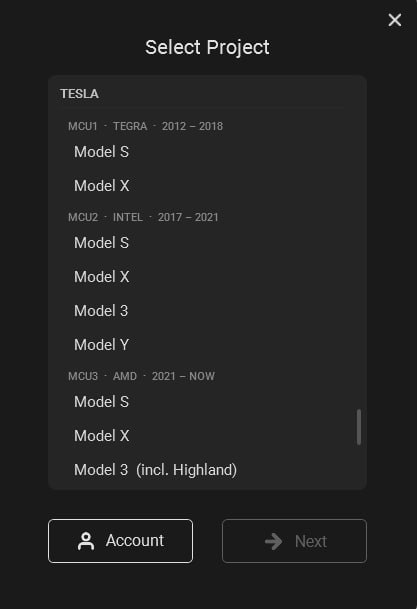
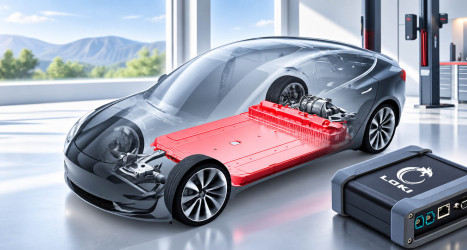
The most significant improvements have been made to the Battery Management System (BMS). LOKI PRO now allows users to:
- reset service alerts;
- change the Smart Fuse type;
- modify the Smart Fuse installation date;
- analyze the voltage of each battery module;
- monitor module capacity;
- evaluate the internal resistance of each module.
These new capabilities provide a much deeper assessment of the high-voltage battery condition and support more informed maintenance and repair decisions.
The servicing capabilities for other electronic vehicle systems have also been significantly expanded:
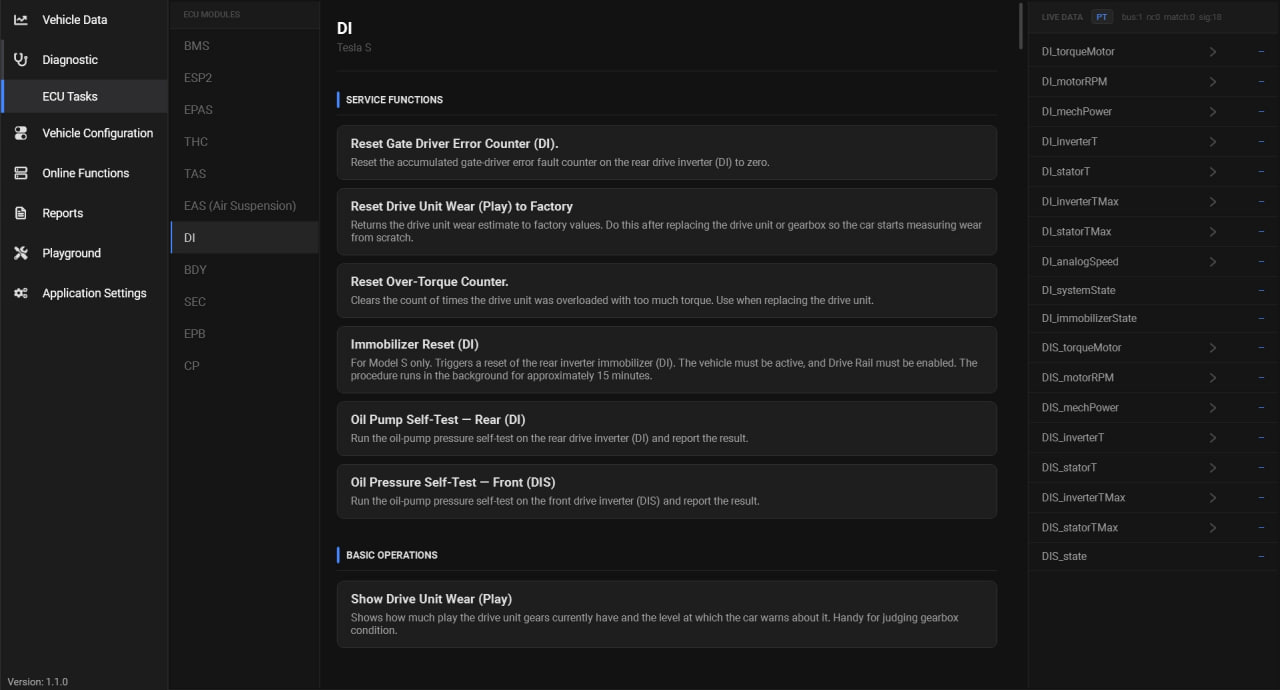
- For the ESP2 module, acceleration sensor calibration and brake bleeding procedures are now available.
- The EPAS module now supports steering stop reset, steering position sensor calibration, and VIN learning.
- Vehicles equipped with air suspension now benefit from ride height calibration, Service Mode activation, ride height control, actuator testing, and Air Leak warning reset.
Additional functions include Electronic Parking Brake Service Mode, charge port calibration, SEC security module service functions, THC climate control service procedures, and many other specialized operations.
Even More Features for Working with Tesla Software
Working with Tesla software has become an integral part of modern vehicle repair. After replacing an electronic control unit, simply installing the new component is often not enough—it must also be properly integrated into the vehicle's electronic architecture.
Version 1.1.0 significantly expands the available tools for performing these operations:
- Ethernet Unlock has been added for Tesla Model S/X MCU1 and MCU2, allowing technicians to unlock the Ethernet port for vehicle configuration.
- A new Configuration Editor enables users to modify vehicle parameters and activate or customize various functions.
- All supported modules now provide Live Data with graphical visualization, as well as Online Functions for launching ODIN diagnostic tasks directly from the software interface.
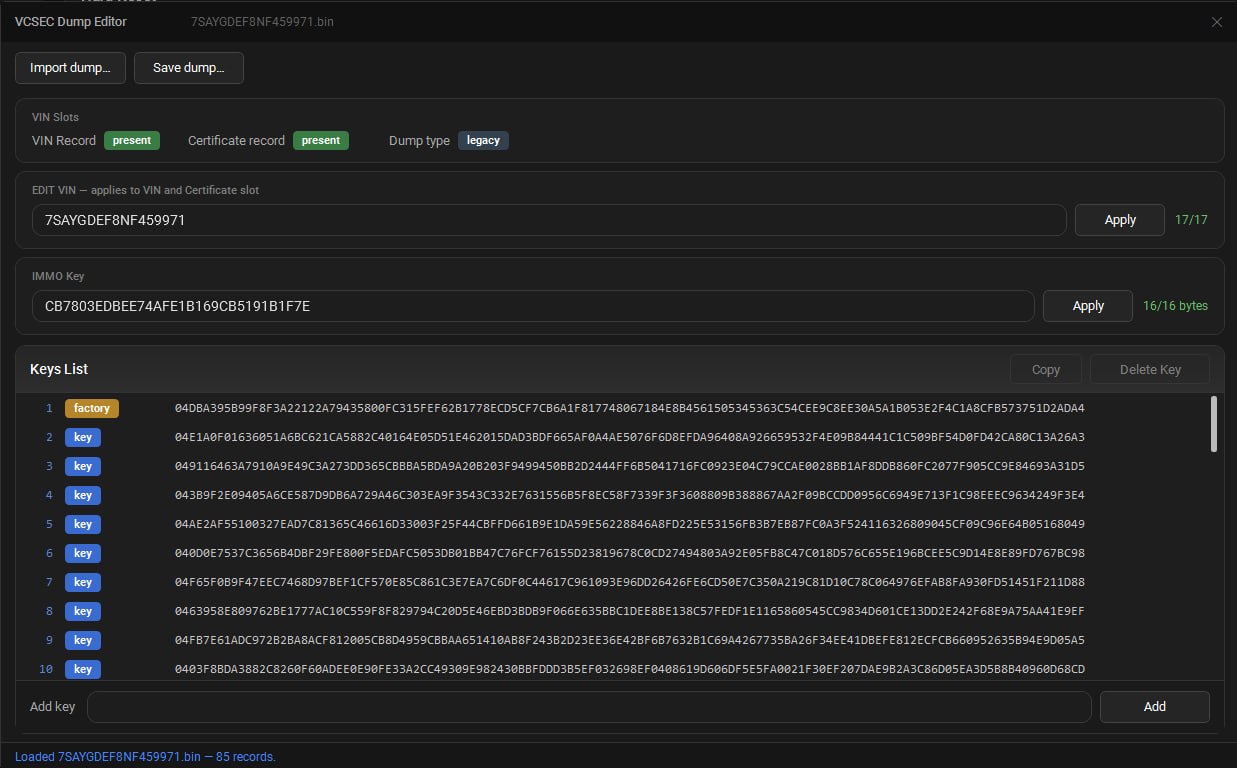
Tesla Model 3 and Model Y have also received new functionality. The VCSEC module now supports VIN modification, NFC card reading, and key programming through DFlash dump processing.
New Features for Rivian Diagnostics
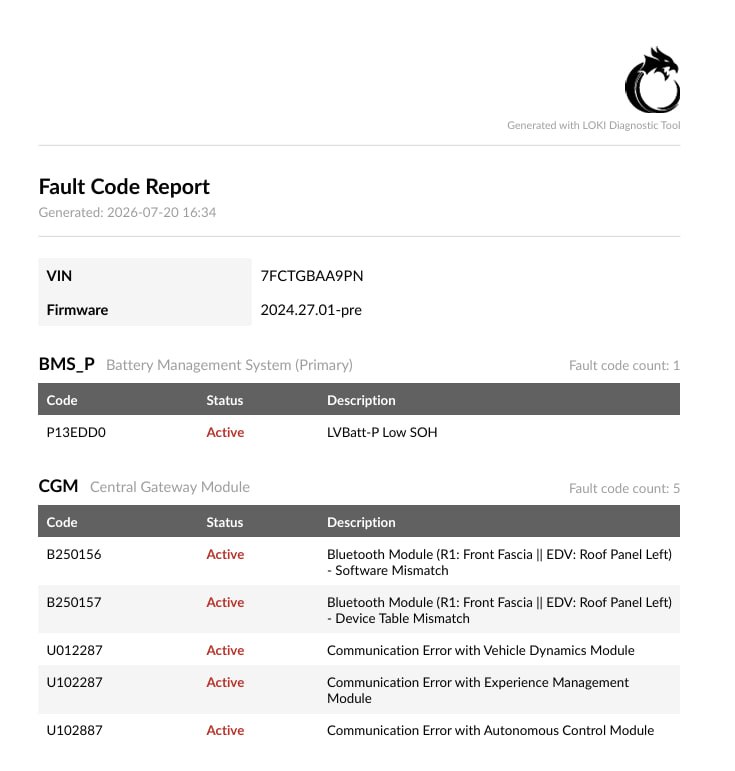
Development of Rivian diagnostic capabilities continues to move forward. Version 1.1.0 introduces PDF export for diagnostic reports. Specialists can now generate a report containing the vehicle VIN, installed software version, and a complete list of diagnostic trouble codes (DTCs) from all electronic control units. This document is convenient for both internal service center documentation and communicating vehicle condition to customers. Future updates will expand the report with high-voltage battery information and vehicle certificate data.
Another important addition is the deployment of the currently installed firmware version. This feature allows technicians to reinstall the software already stored in the vehicle, which is particularly useful after replacing electronic control units. Future versions of LOKI PRO will introduce a full vehicle software update system.
Faster, More Stable, and More Convenient
In addition to expanding diagnostic functionality, we have paid special attention to improving the daily user experience.
Version 1.1.0 significantly improves Windows networking. The communication route through the diagnostic module's network interface is now established almost instantly, allowing the vehicle to connect without unnecessary delays.
The software also no longer reinitializes the module's network interfaces if they are already configured for the current project. This prevents temporary network adapter interruptions and provides a more stable connection.
Additional improvements include automatic detection of IP address conflicts, a completely redesigned touchpad experience with smooth pixel-by-pixel scrolling, and full keyboard navigation throughout the application using the Tab, Enter, and Esc keys.
These enhancements make everyday work with LOKI PRO even more comfortable and efficient.
Summary
LOKI PRO version 1.1.0 represents another important step in the development of a unified platform for Tesla diagnostics, Rivian diagnostics, advanced service procedures, and vehicle configuration.
The update will be downloaded automatically. When you launch LOKI PRO, the software will prompt you to install the new version—all you need to do is click the Install button.
Explore more
Tesla High-Voltage Battery Diagnostics
Read more
How LOKI PRO Makes Vehicle Diagnostics Easier to Understand
Read more