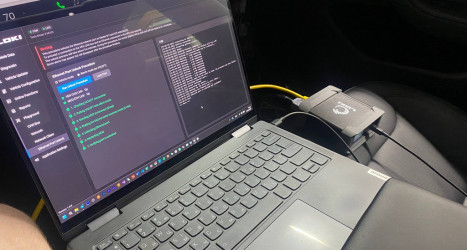
Tesla High-Voltage Battery Diagnostics
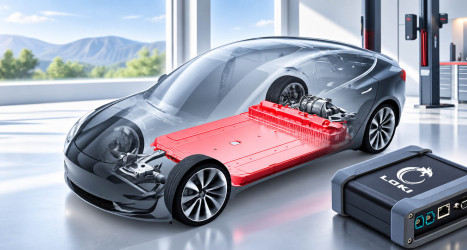
The high-voltage battery is one of the most expensive and technically complex components of a Tesla. Its condition directly affects the vehicle’s driving range, operating characteristics, and long-term running costs. A reduction in driving range, the appearance of error messages, charging issues, or the purchase of a used Tesla can all be reasons to check the battery.
Several tools can be used for this purpose:
- run Tesla’s built-in battery health test,
- use the official Tesla Toolbox,
- use LOKI PRO as an alternative for day-to-day diagnostic work.
Tesla High-Voltage Battery Health Test
Tesla vehicles include a built-in high-voltage battery health test. The vehicle owner can start the HV Battery State of Health (SOH) Test independently. This test is useful for getting an overall assessment of the high-voltage battery’s condition. The test shows how much of the battery’s original energy capacity remains. In addition, during the deep discharge performed as part of the test, the battery management system (BMS) is recalibrated. Afterward, the estimated driving range displayed on the instrument panel becomes as accurate as possible.
However, this is not enough for a detailed analysis of the battery’s condition. If the result is lower than expected, an important question remains: what is happening inside the battery, and is the reduction in performance due to normal degradation or a problem with individual components?
What Tesla Toolbox Can Tell You About the Battery
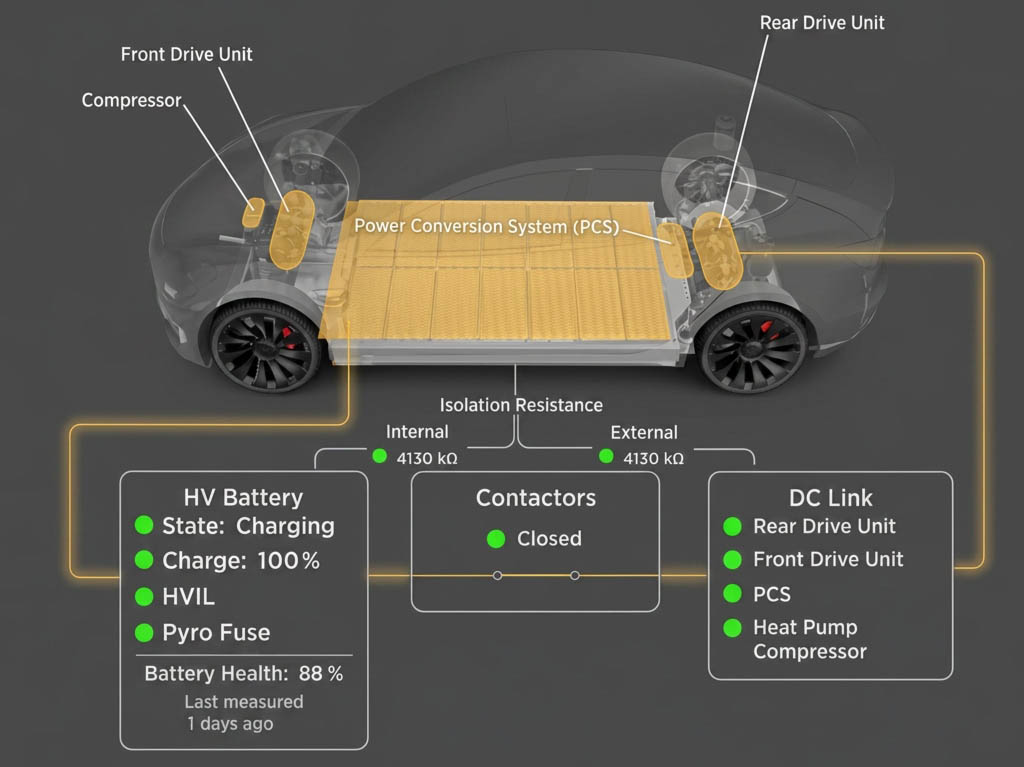
For Tesla service professionals, Tesla offers Tesla Toolbox — an official tool with a wide range of diagnostic and service functions. However, Tesla Toolbox alone is not sufficient to obtain detailed information about the condition of the high-voltage battery. Accessing BMS data requires additional equipment — a PCAN adapter, which is used to connect to the battery management system.
When Tesla Toolbox is used together with a PCAN adapter, a technician can obtain the following data:
- Insulation status.
- Current battery voltage.
- Insulation resistance.
- Maximum and minimum state of charge (SOC) among the battery’s bricks.
- Maximum and minimum brick voltage.
- Maximum and minimum module temperature.
This set of data makes it possible to assess the overall variation in battery parameters and get a reasonably good understanding of its condition. However, if the available parameters indicate a possible battery problem, the technician may need to determine exactly where the deviation is located and which components are causing it. This is where LOKI PRO becomes particularly useful.
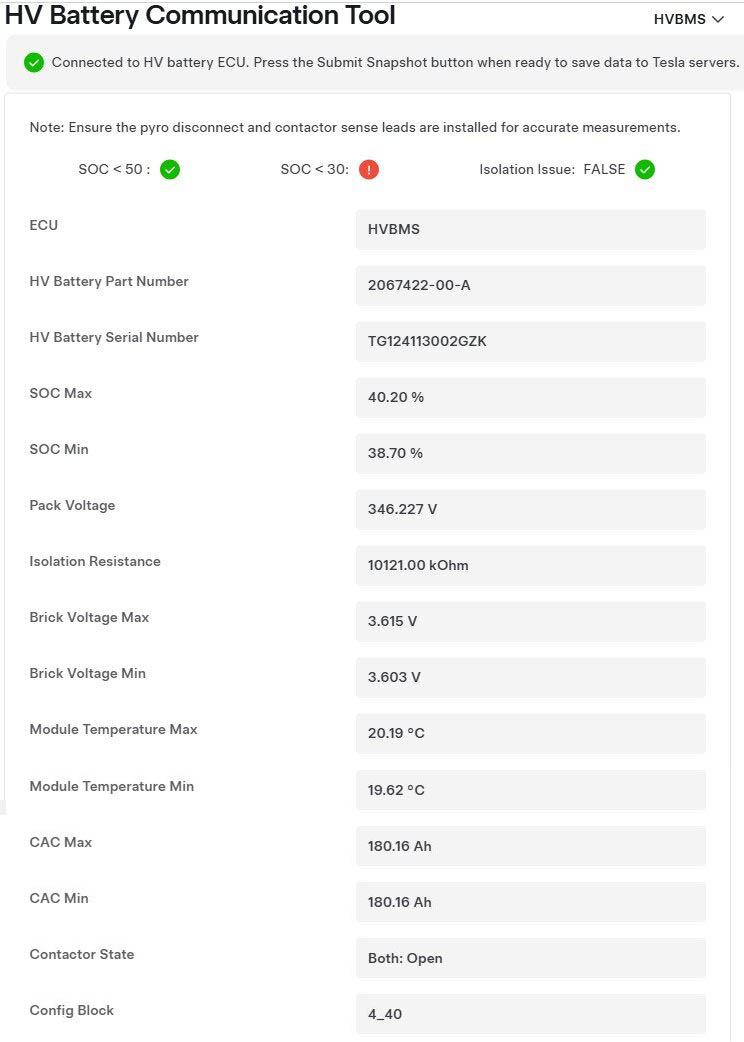
High-voltage battery diagnostic results in Tesla Toolbox using a PCAN adapter.
Source: Tesla Service Manual — Low Internal Isolation Diagnostics – HV System (Test).
What LOKI PRO Can Reveal
LOKI PRO retrieves data from the battery management system (BMS) directly through the vehicle’s diagnostic interface, allowing the technician to analyze the parameters of individual bricks, including:
- viewing the voltage of each brick;
- viewing the state of charge (SOC) of each brick;
- analyzing brick capacity (CAC);
- calculating parameter deltas;
- plotting graphs of the measured parameters.
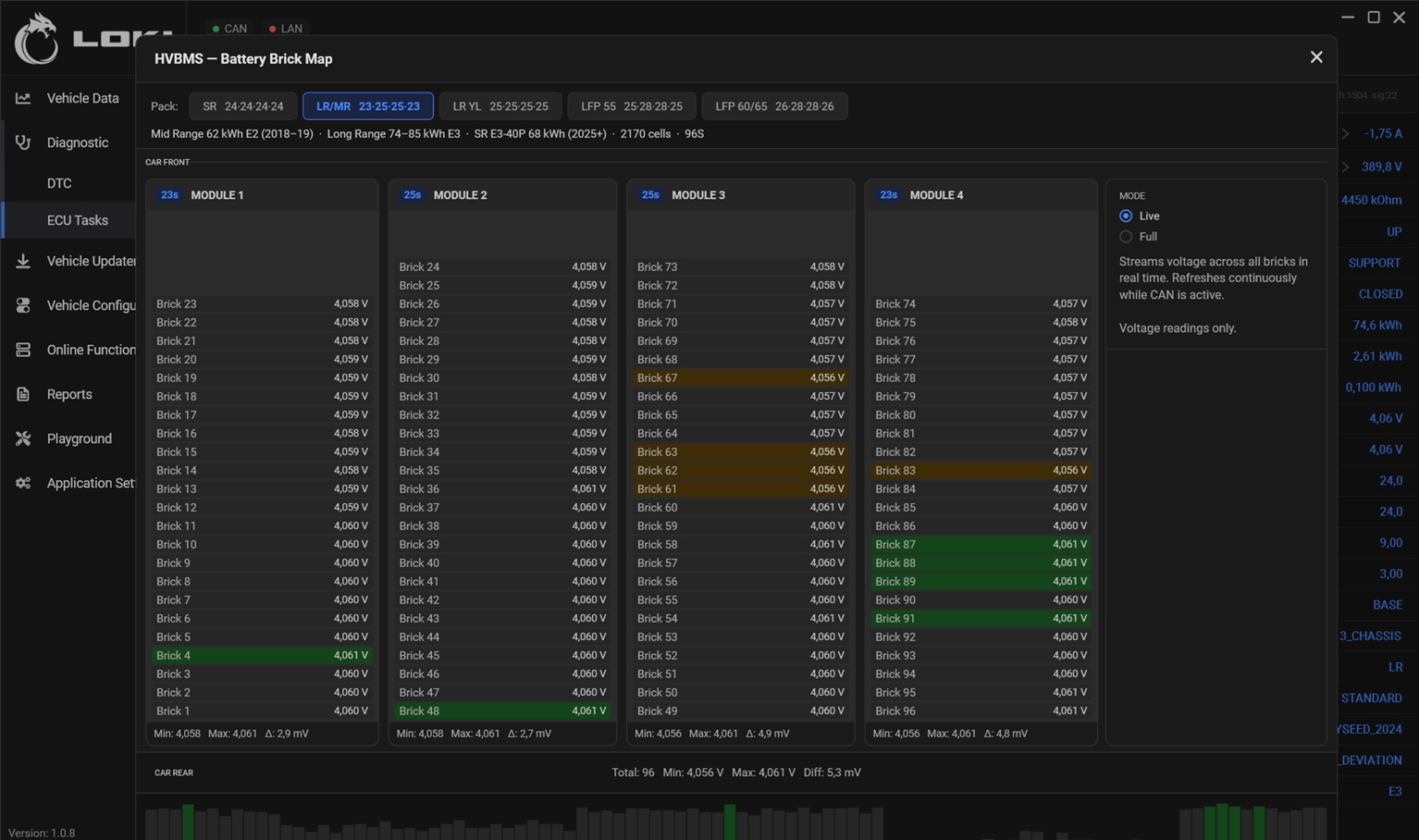
This level of detail makes it possible to move beyond the question of “how much has the battery degraded?” to a much more important question: “what is actually happening inside the battery?”
The practical value of the detailed parameters provided by LOKI PRO is that they allow for a more objective assessment of the high-voltage battery’s condition, for example:
Minor natural degradation. The driving range has decreased, but the brick parameters remain relatively uniform and show no significant deviations. In this case, intervention in the battery may not be justified — the vehicle can continue to be used.
Significant imbalance. Individual bricks differ from the overall pattern. Further testing is then required to determine whether balancing or another service procedure may help.
Signs of a fault. The combination of parameters indicates significant deviations in individual bricks. This is a reason to carry out more in-depth diagnostics and potentially repair the battery.
As a result, the technician can obtain the data needed to decide on further work without removing the battery. The results can also be presented to the vehicle owner in a report, providing a clear explanation of the battery’s current condition and supporting the recommended next steps.
Conclusion
LOKI PRO provides technicians with a convenient tool for quickly analyzing the condition of a Tesla high-voltage battery, including the voltage of each brick, CAC, SOC, parameter deltas, Live Data, and graphs.
With LOKI PRO, a technician can obtain a structured picture of the battery’s condition within minutes and determine the appropriate next step — continue operating the vehicle, perform balancing, or proceed with more in-depth diagnostics and battery repair.
Explore more
LOKI PRO 1.1.0: A Major Update for Tesla and Rivian Diagnostics
Read more
How LOKI PRO Makes Vehicle Diagnostics Easier to Understand
Read more